
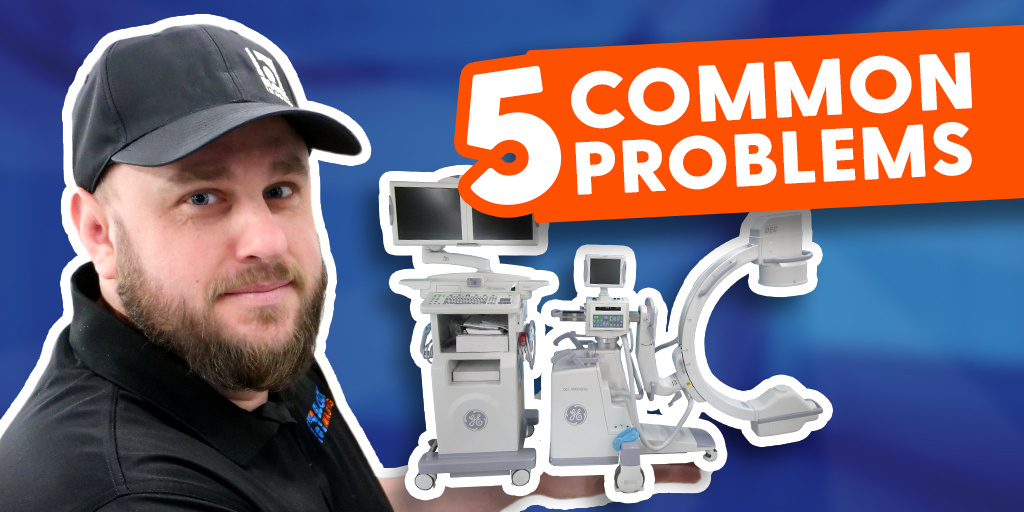
Whether you’re part of a hospital team or a service professional less familiar with OEC C-arms, these are the five issues we’re asked to troubleshoot most often on the OEC 9800 and 9900 platforms.
This guide is designed to help you diagnose problems faster, minimize downtime, and keep procedures on schedule. Below are the most frequent service calls we receive—ranked from least to most common.
Common Issues at a Glance
#5 How do I identify the correct part number?
#4 What should I check when images aren’t sending to PACS?
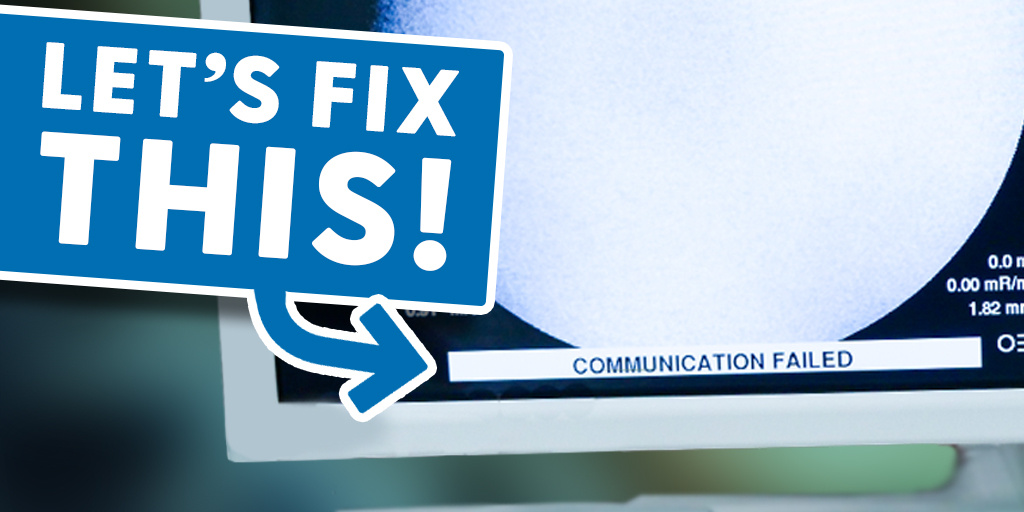
#3 How do I resolve a communication failure?
#2 How do I correct a pre-charge voltage error?
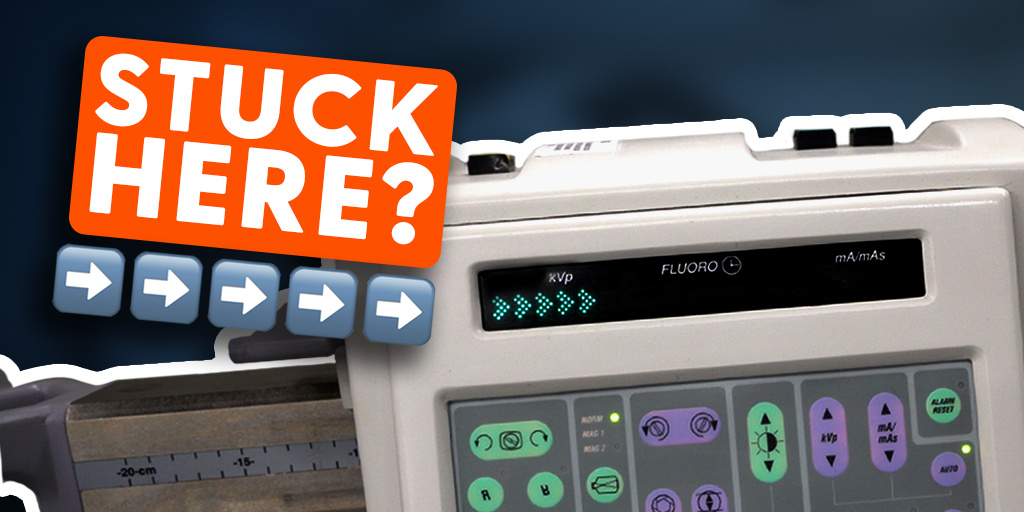
#1 How do I get the system past the Five Arrows startup screen?
NEED C-ARM PARTS FAST?
Many commonly requested components are available for same-day shipment.
Once a parts request is submitted, it enters our processing queue immediately. Requests are handled during standard business hours, followed by inspection, secure packaging, and rapid dispatch.
Request Your Part
#5 How Do I Identify the Correct Part Number?
If you’ve isolated a faulty board or cable but don’t have documentation available, locating the correct part number is usually straightforward.
Most OEC boards have the part number printed directly on the component itself. Cables are typically labeled as well, with identification tags attached directly to the cable jacket.
Once you locate the printed number or label, you can confidently place an order for the correct replacement without needing a full parts manual.
#4 What Should I Do When Images Aren’t Sending to PACS?
This issue is commonly related to network configuration rather than hardware failure.
Start by checking with your IT department to confirm whether any recent changes were made to IP addresses, ports, or DICOM network settings.
After confirming the correct network details, access the system setup menu on the C-arm and navigate to Network Configuration. Update the host IP address using the information provided by IT.
Next, go to the DICOM Store settings, select the appropriate PACS destination, and verify that all parameters match your network configuration.
Once changes are complete, reboot the system. In most cases, this restores PACS communication. If the issue continues and no network changes were made, further troubleshooting may be required.
#3 How Do I Resolve a Communication Failure on a C-Arm?
A communication failure message appearing on the workstation or C-arm display is often linked to insufficient voltage—most commonly a low 5V output from the power supply.
Voltage instability can interrupt communication between system components. Checking power supply output levels is an important first diagnostic step when this error appears.
#2 How Do I Fix a Pre-Charge Voltage Error?
A pre-charge voltage error typically appears immediately after startup and is usually caused by one of three conditions:
- Circuit breaker issue
Check the circuit breaker located beneath the brake pedal. It may have been accidentally disengaged. Reset the breaker and restart the system. - Low or depleted generator batteries
If the error persists, inspect the generator batteries by removing the battery cover. Weak or dead batteries can trigger this fault. - Battery charger board failure
If batteries appear functional but are not charging, the charger board may be defective and require replacement.
Each of these checks should be performed carefully before replacing components.
Honorable Mentions
Before we move to the most common issue, here are two additional problems that frequently come up:
- Vertical column not moving
On older systems, mechanical wear can eventually require column replacement. - Image artifacts
Artifacts are often caused by contamination or damage to covers, collimators, or internal components. Routine inspection and cleaning can help prevent this issue.
#1 How Do I Get the System Past the Five Arrows Screen?
This is the most frequent service call we receive for OEC 9800 and 9900 systems—and fortunately, it’s often easy to resolve.
In many cases, the issue is related to a depleted coin cell battery on the Single Board Computer or BIOS configuration settings. With a battery replacement and proper BIOS reset, systems can often be restored quickly.
Step-by-step procedures are available to guide you through the process and confirm a successful reboot.
Final Thoughts
These five issues account for the majority of service calls we see on OEC 9800 and 9900 C-arms. With the right troubleshooting steps, most can be resolved on-site without extensive downtime.
If you encounter one of these problems and need additional support—whether parts, guidance, or advanced troubleshooting—reach out to a qualified service provider to get your system back into operation as quickly as possible.