
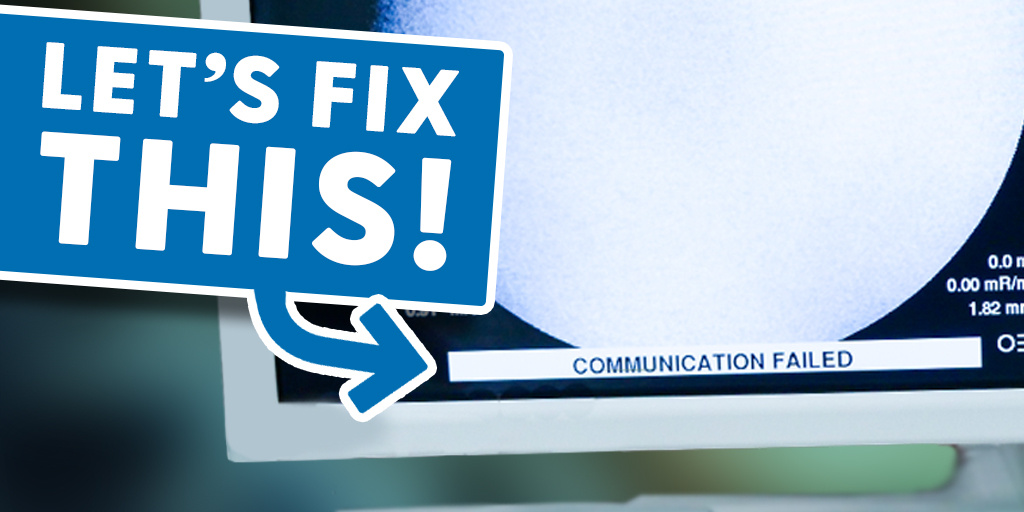
A Communication Failure error is one of the more common issues encountered on C-arm systems. The good news is that the root cause is often straightforward—and in many cases, the fix is simple.
This guide walks you through the most likely cause and how to address it step by step. If the issue persists after completing these checks, professional support may be required.
What We’ll Cover:
- The most common cause of a communication failure
- How to inspect and verify the power supply
NEED C-ARM PARTS FAST?
Many commonly used C-arm components are available for same-day shipment.
Once a parts request is submitted, it is immediately routed to our service team for processing during standard business hours. Each item is inspected and securely packaged before dispatch.
Request Your Part
Most Common Cause of a Communication Failure
If a Communication Failure message appears on the control panel or workstation monitor, the issue is frequently related to low or unstable voltage.
In most cases, this points to the power supply not delivering the required output—typically 5 volts—to the system components. The next step is to verify the power supply output.
How to Check the C-Arm Power Supply
Begin by moving to the side of the C-arm where the power supply is located.
The power supply distributes voltage—commonly five volts—to key system areas, including the upper electronics assembly. To access the test points, remove the protective cover.
Once the cover is removed, locate the designated test points (A and B) on the power supply board.
Using a multimeter, check the voltage across these points to confirm whether the output is at the correct level.
If the voltage is outside specification, locate the adjustment control (trim potentiometer) on the power supply. Carefully adjust it until the correct voltage is achieved at the test points.
After making the adjustment, reboot the system and observe whether the communication error clears.
If the error remains after verifying proper voltage, additional diagnostics may be required.
Final Notes
Communication failure errors can appear serious, but they are often caused by minor voltage issues that are quick to identify and correct.
Verifying power supply output should always be one of the first troubleshooting steps. If you continue to experience issues after completing these checks, it’s best to contact a qualified service provider for further assistance.